Advanced elements
Sessions, plugins, executors, global chat, Discord, AI, soccer, and Roblox Studio tooling.
Advanced elements
The current release includes a dedicated AI agent guide and Key system guide. The agent adds planning, tools, permissions, effort levels, and task controls; the key gate adds providers, themes, get-key menus, and custom validation.
Advanced elements connect XLQP to larger workflows. Treat remote code, chat, authentication, and plugin loading as privileged operations.
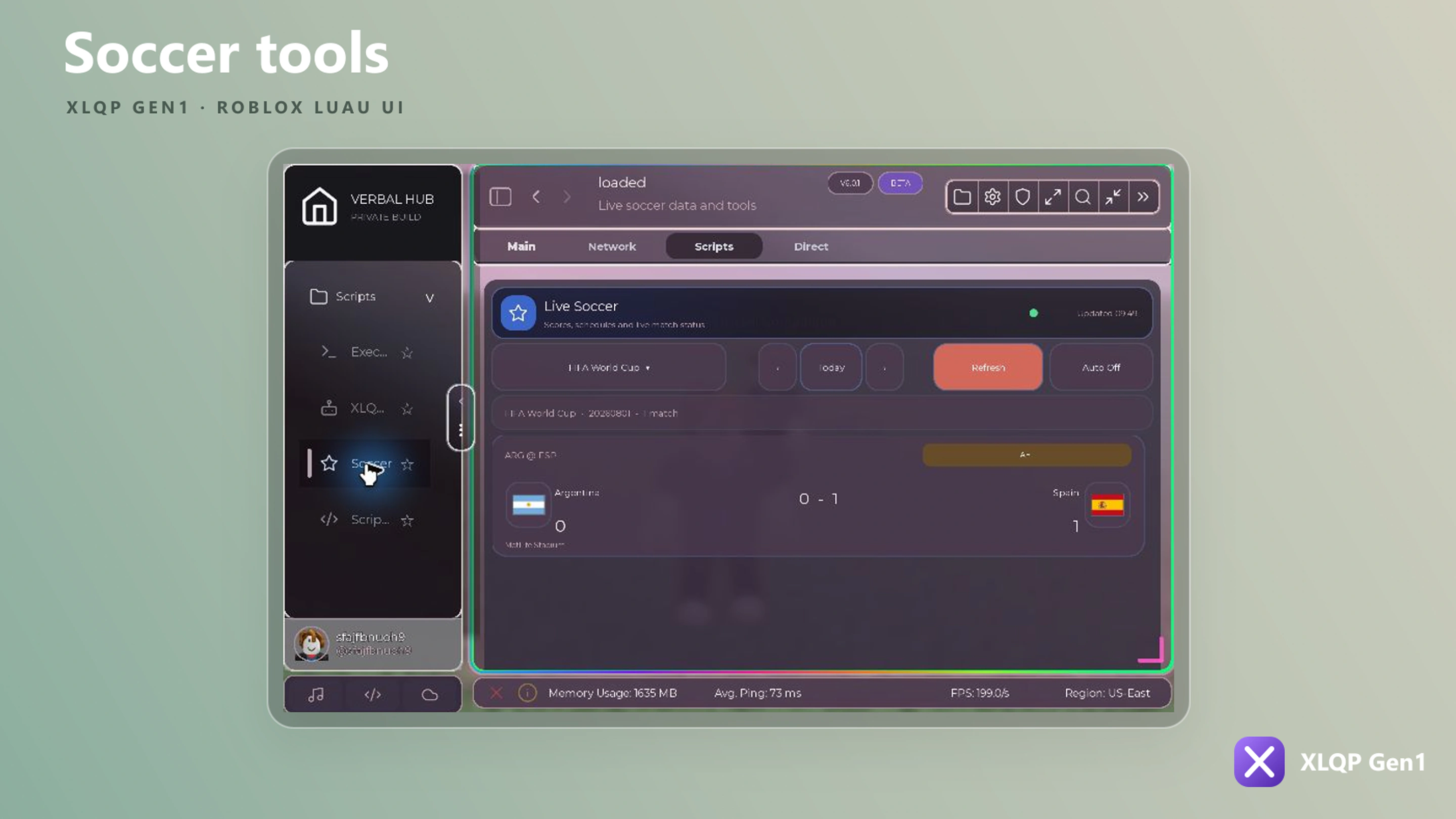
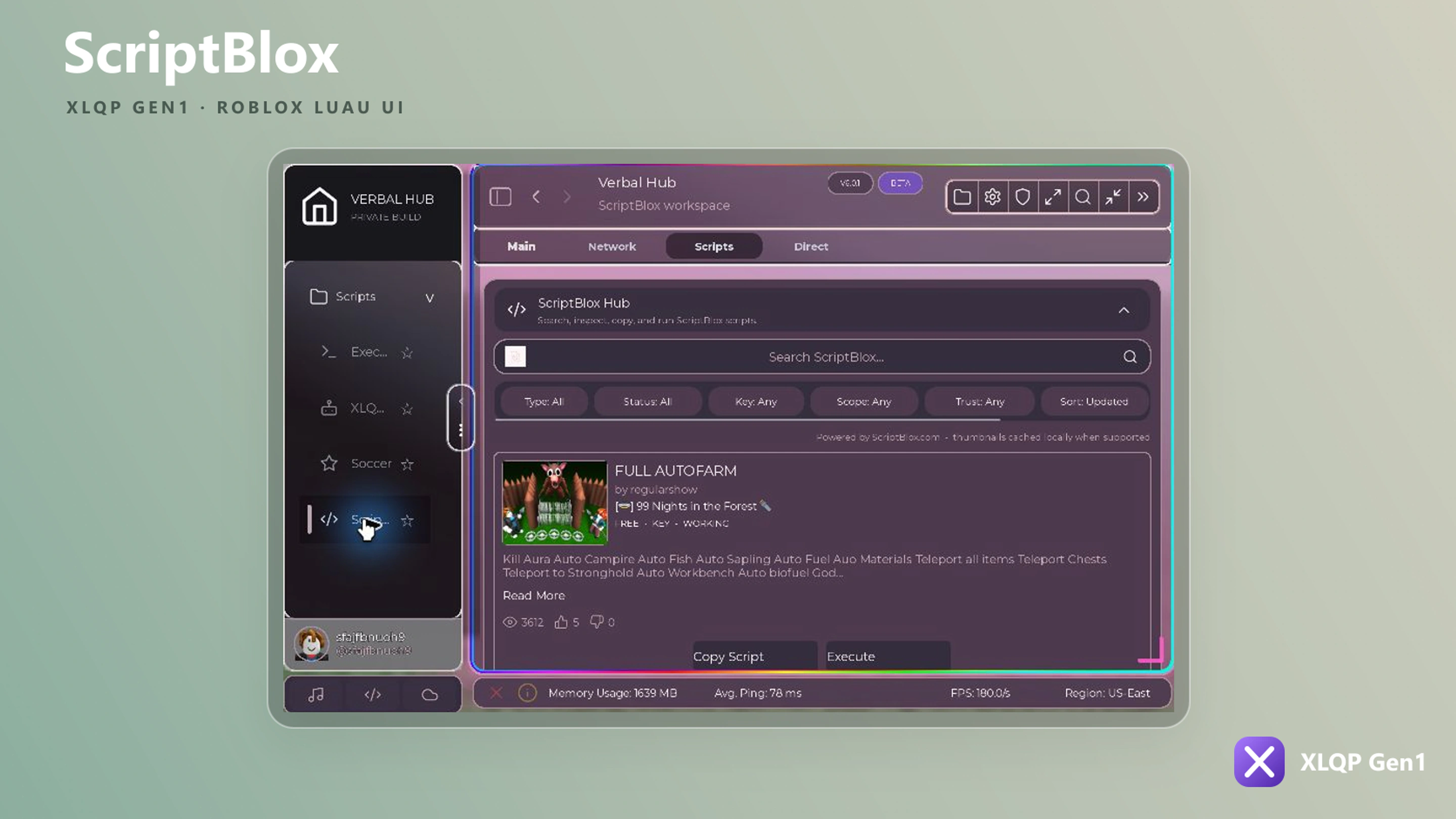
Interface previews
Validate external input
Allow only trusted URLs, sanitize user-generated text, rate-limit network actions, and keep keys or webhooks outside public source code.
Game session
local Session = Section:AddGameSession({
    Name = "Server tools",
    Height = 320,
    IdType = "PlaceId",
    SupportedGameIds = { game.GameId },
    HistoryLimit = 20,
    AutoExecute = false,
    SourceUrl = "<YOUR_TRUSTED_SOURCE_URL>",
})

Session:Refresh()
Session:Rejoin()
The session controller supports Join, Rejoin, ServerHop, Leave, SetGames, auto-execute state, and queueing. Optional hooks include OnJoin, OnLeave, OnRejoin, and OnServerHop.
Plugins
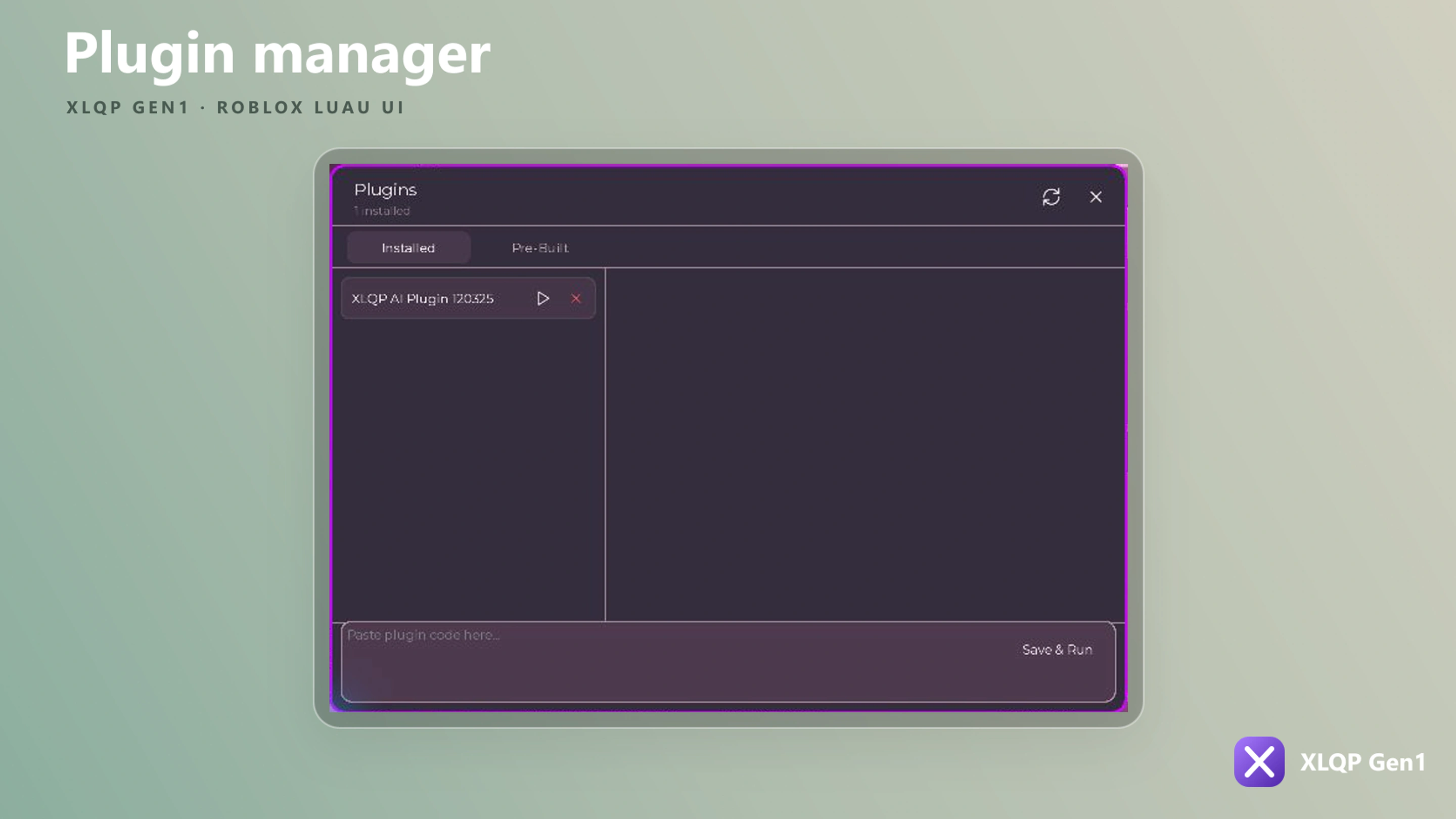
local Plugins = Section:AddPlugins({
    Name = "Plugins",
    Folder = "MyHub/Plugins",
    AutoLoad = true,
    AllowInline = false,
    AllowRemote = false,
})

Plugins:Scan()
Plugins:Refresh()
Plugin controllers can discover, read, save, install, load, run, unload, and delete plugins. Enable inline or remote plugins only when you control their code and delivery path.
Executor and script hub
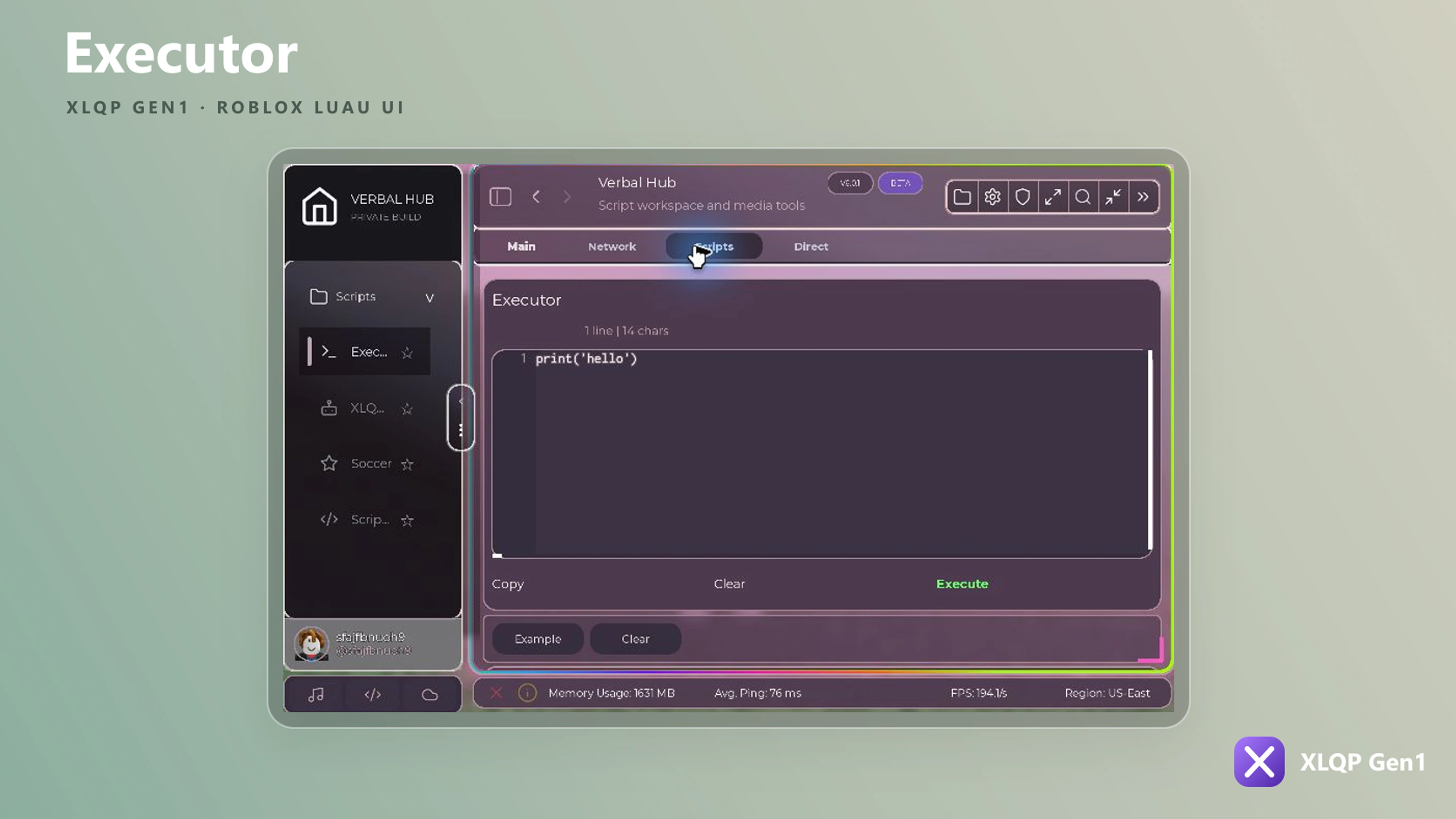
local Executor = Section:AddExecutor({
    Name = "Editor",
    Default = "-- Write Luau here",
    Height = 360,
    TextSize = 14,
})

Executor:SetScript("print('Ready')")
Only execute code that the user owns or has explicitly trusted.
Global chat
Section:AddGlobalChat({
    Name = "Community",
    BotId = "<BOT_ID>",
    Height = 420,
    RefreshTime = 3,
    MaxMessageLength = 240,
    SendCooldown = 2,
    ReportCooldown = 30,
    Rules = "Be respectful. Do not share private information.",
})
The service endpoint is built into XLQP, so Global Chat needs no endpoint configuration. Never place private credentials in a Roblox client script.
Discord card
Section:AddDiscordImg({
    Name = "Join the community",
    Content = "Updates, support, and previews.",
    Invite = "your-invite-code",
    OpenMode = "browser",
    RememberOpenMode = true,
})
XLQP Gen1 AI
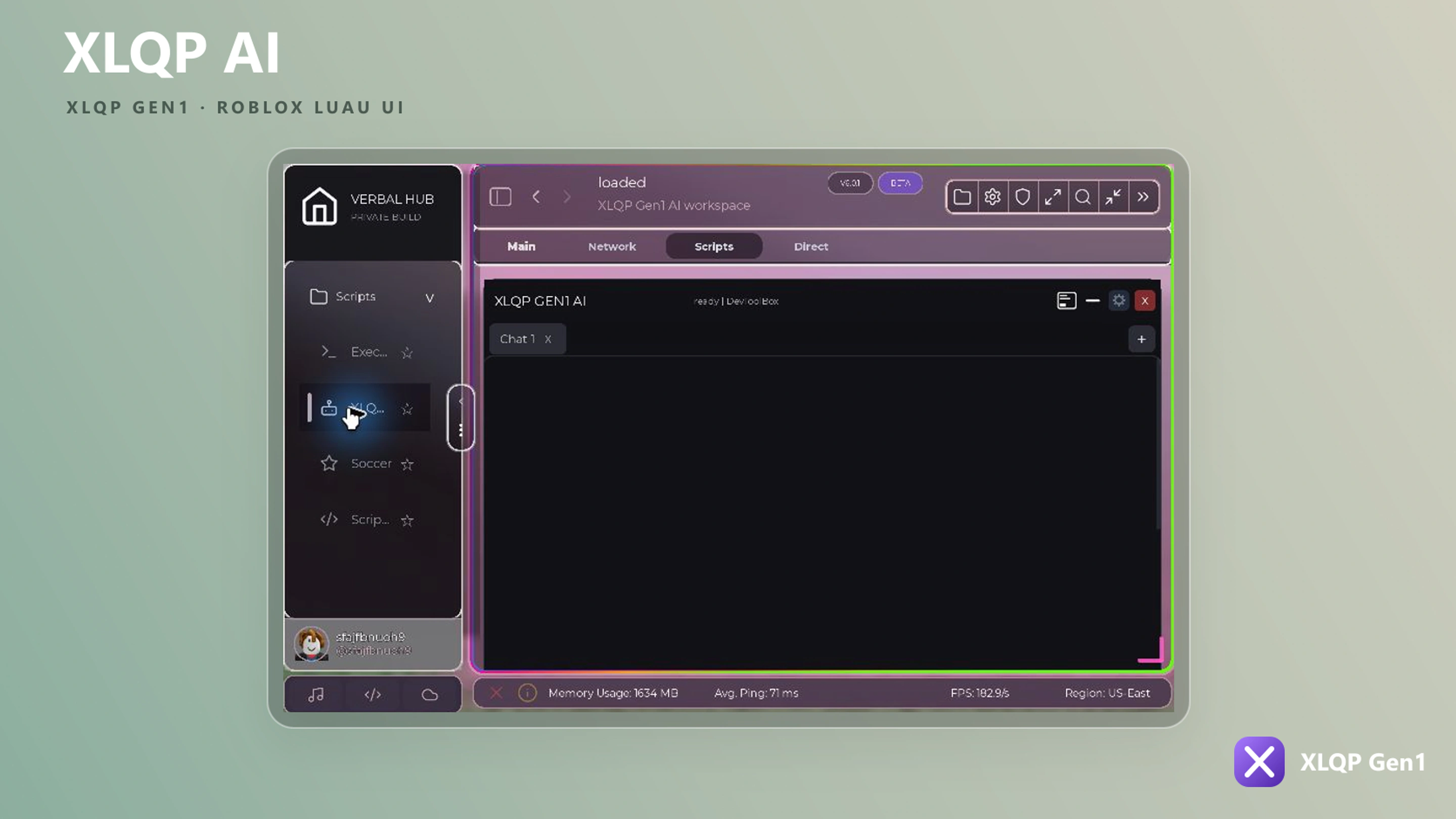
local Assistant = Section:AddXLQPGen1AI({
    Name = "Assistant",
    Height = 420,
    CompanionEnabled = true,
    CompanionName = "XLQP",
    ChatPromptsOnly = true,
    ThemeToolsEnabled = true,
    WorldToolsEnabled = false,
})

Assistant:Show()
Available behavior options include bubble responses, follow distance, following, walking speed, player animations, theme tools, world tools, and UltraAI.
Studio tool
Section:AddStudioTool({
    Name = "Part builder",
    Content = "Configure and create a part.",
    PartType = "Block",
    PartSize = Vector3.new(4, 1, 4),
    Color = Color3.fromRGB(139, 92, 246),
    Anchored = true,
    CanCollide = true,
    Grid = 1,
    ParentPath = "workspace",
    Callback = function(settings)
        print(settings)
    end,
})
Soccer
local Scores = Section:AddSoccer({
    Name = "Live matches",
    League = "Premier League",
    Height = 360,
    AutoRefresh = true,
    RefreshTime = 60,
    ShowLogos = true,
})

Scores:Refresh()
The controller can change league/date, toggle automatic refresh, return matches/source, and destroy the element.
Dependency boxes
Use AddDependencyBox or CreateDependencyBox to show content only when another control matches a condition.
Section:AddDependencyBox({
    Name = "Advanced settings",
    Dependency = Toggle,
    Equals = true,
    Invert = false,
})
Dependency controllers can refresh, replace dependencies, change the condition, set visibility, and destroy the box.