Media and visuals
Images, video, audio players, bytebeat, drawing grids, passthrough content, and 3D viewports.
Media and visuals
Use XLQP media elements to place images, videos, audio, drawing surfaces, and 3D objects alongside normal controls.
Interface previews
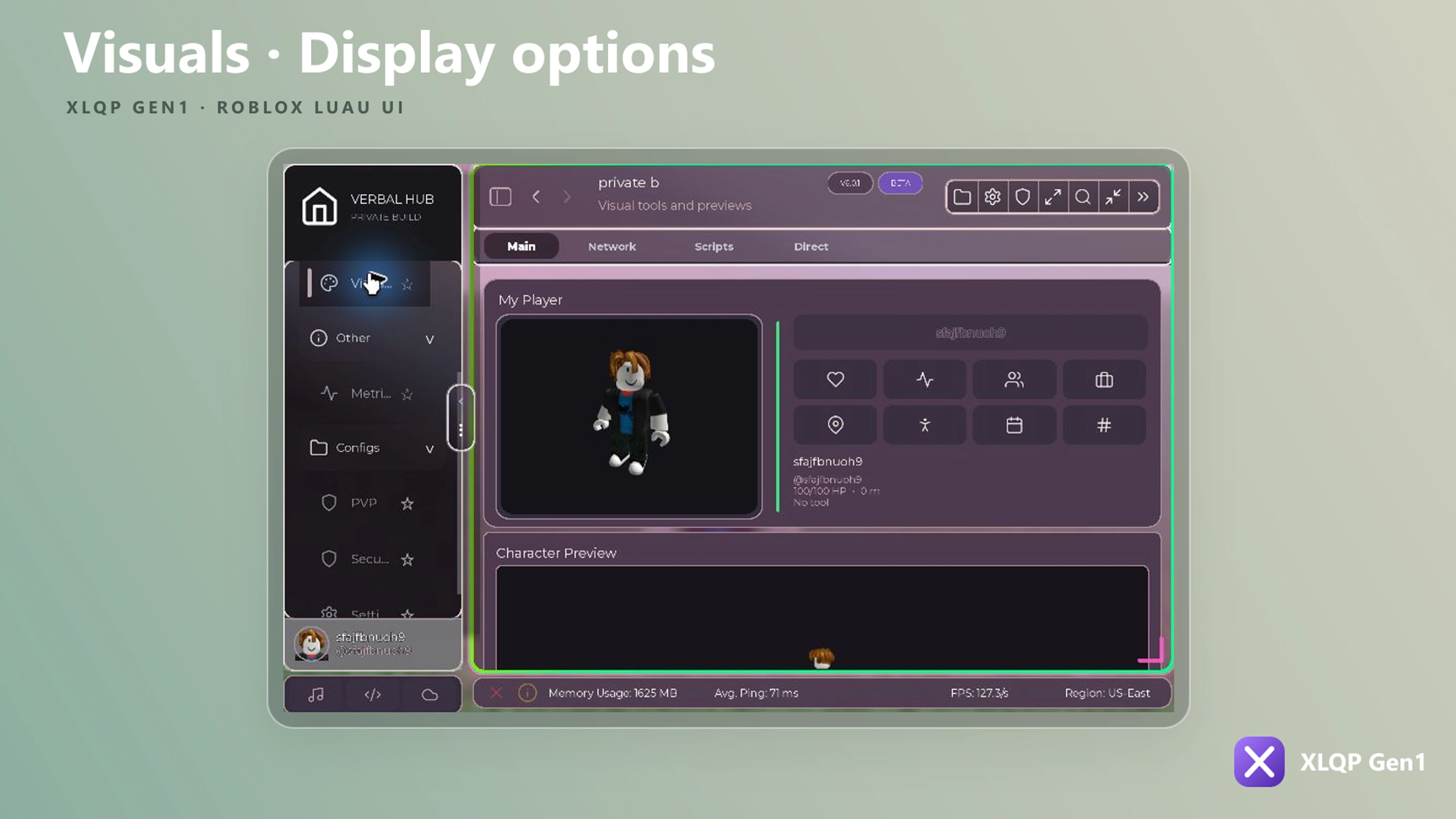
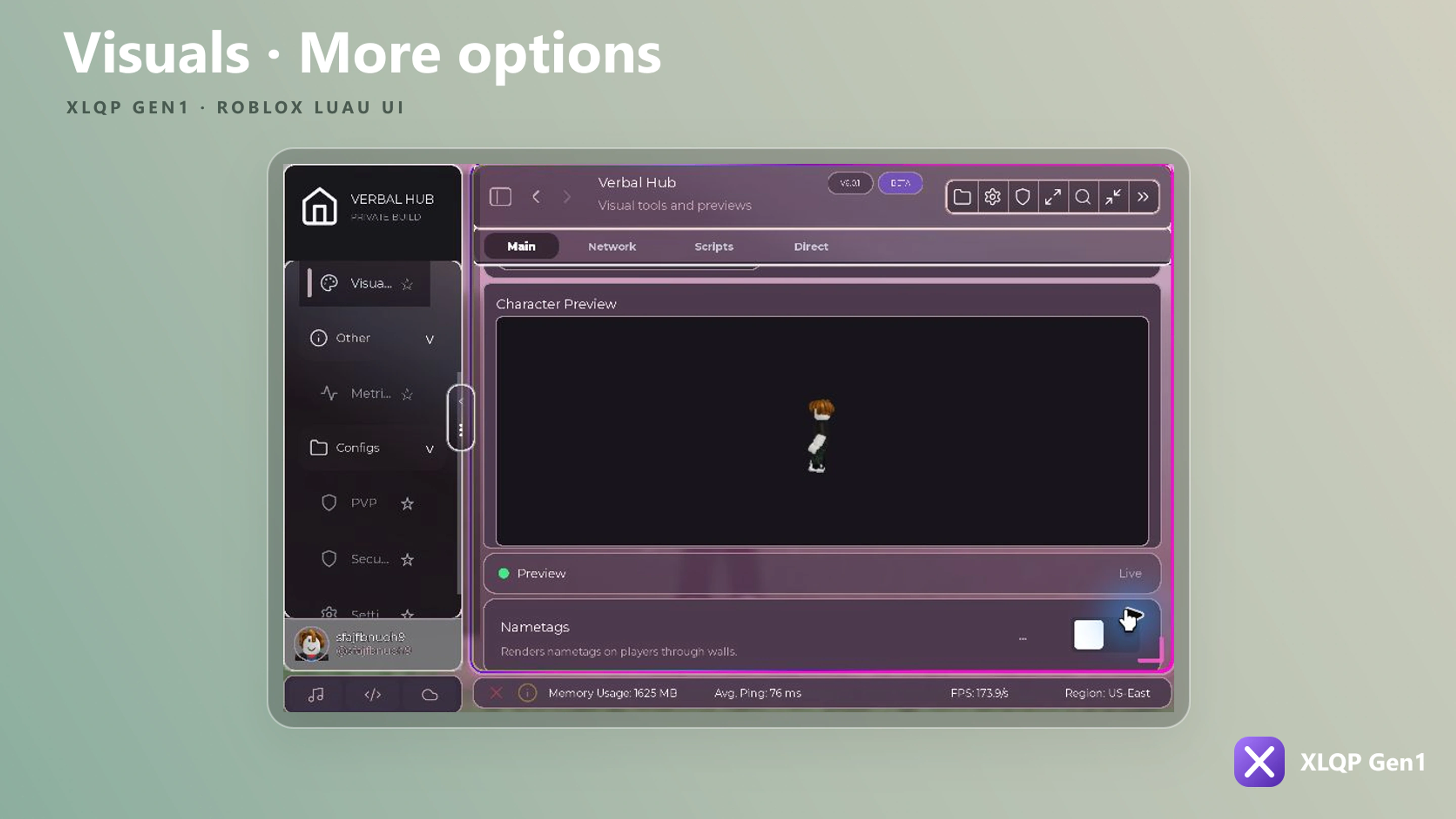
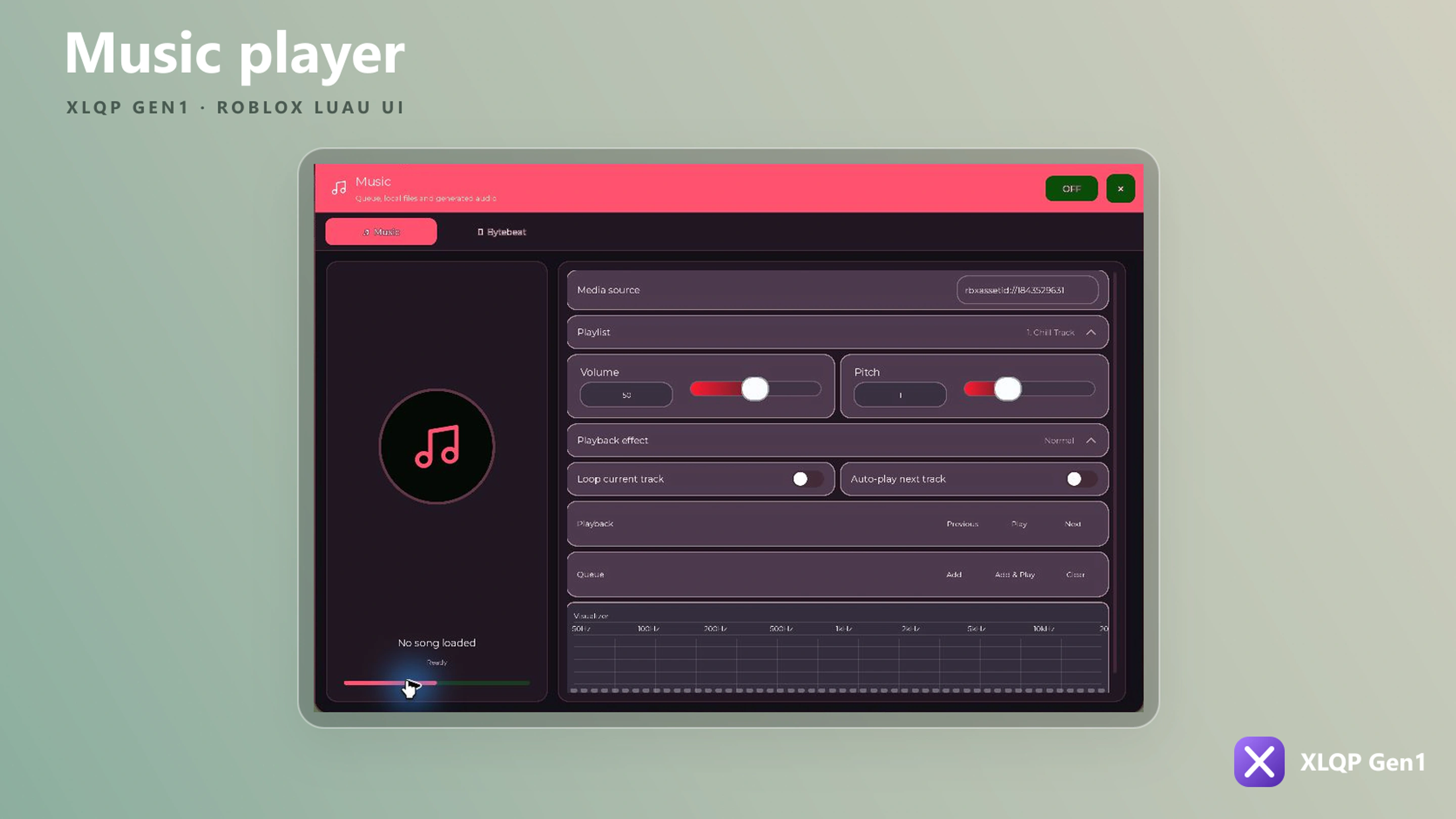
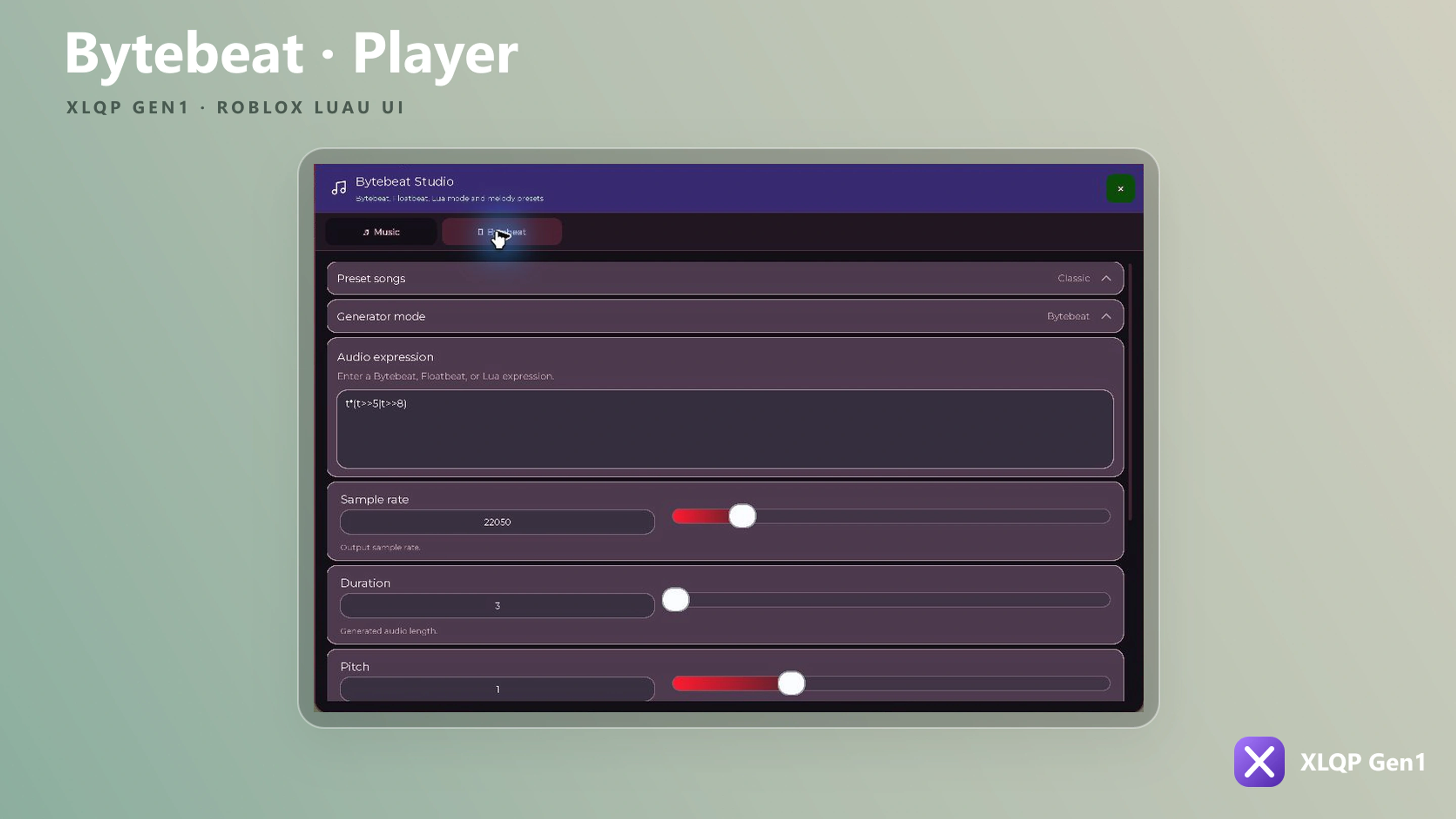
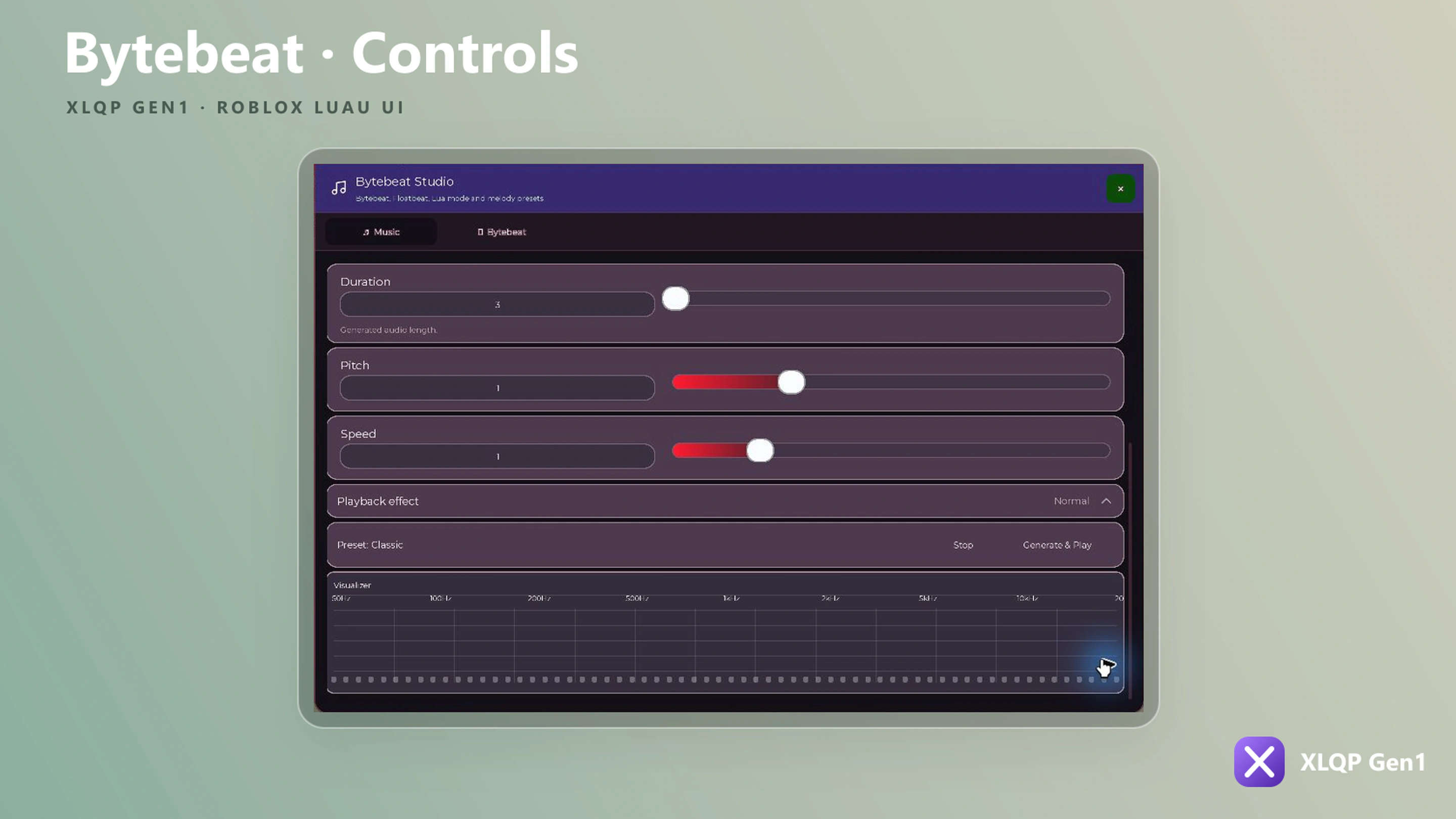
Image and video
local Image = Section:AddImage({
    Name = "Preview",
    Image = "rbxassetid://0",
    Height = 220,
    Transparency = 0,
    ScaleType = Enum.ScaleType.Crop,
})

Image:Set("rbxassetid://123456")
Image:SetHeight(260)
Media player
local Player = Section:CreateMediaPlayer({
    Name = "Playlist",
    Playlist = {
        { Name = "Track one", URL = "rbxassetid://0" },
        { Name = "Track two", URL = "rbxassetid://0" },
    },
    AutoPlay = false,
    Loop = false,
    Volume = 0.6,
    Pitch = 1,
    Visualizer = true,
    VisualizerHeight = 80,
})

Player:PlayIndex(1)
Player:SetVolume(0.8)
Player:Next()
AddMediaPlayer exposes the same main options. Controllers support load/play/pause/stop, playlist changes, next/previous, volume, pitch, loop, autoplay, effects, visualizers, state access, and subscriptions.
Disc player
local Disc = Section:AddDiscPlayer({
    Name = "Now playing",
    Playlist = {
        { Name = "Track", URL = "rbxassetid://0" },
    },
    AutoPlay = false,
    Loop = true,
    Volume = 0.5,
    SpinSpeed = 1,
})

Disc:Toggle()
Bytebeat
local Beat = Section:CreateBytebeat({
    Name = "Bytebeat",
    Default = "t*(t>>5|t>>8)",
    Hz = 8000,
    Seconds = 12,
    Pitch = 1,
    Speed = 1,
    Mode = "Bytebeat",
    Visualizer = true,
    VisualizerHeight = 90,
})

Beat:Generate()
Beat:SetHz(11025)
Beat:Stop()
AddBytebeat also supports presets, playlists, maximum duration/frequency, and visualizer bar settings.
Drawing grid
local Canvas = Section:AddDrawingGrid({
    Name = "Canvas",
    Rows = 16,
    Columns = 16,
    Height = 320,
    BrushSize = 1,
    Color = Color3.fromRGB(139, 92, 246),
    Callback = function(data)
        print("Canvas changed", data)
    end,
})

Canvas:SetTool("paint")
Canvas:SetColor(Color3.fromRGB(255, 255, 255))
Canvas:Clear()
The controller can change grid/cell dimensions, replace boxes, and return drawing data with GetData.
3D viewport
local Viewport = Section:AddViewport({
    Name = "Character preview",
    Object = game.Players.LocalPlayer.Character,
    Height = 320,
    Clone = true,
    AutoFocus = true,
    Interactive = true,
})

Viewport:Focus()
Viewport:SetInteractive(false)
Passthrough content
Use AddPassthrough or AddUIPassthrough to mount an existing Roblox UI instance inside a compatible container.
Section:AddPassthrough({
    Name = "Custom widget",
    Instance = ExistingFrame,
    Height = 180,
})
Clone or transfer ownership deliberately: after mounting, your code and XLQP may both hold references to the same instance.