ElementsNavigation & windows
MakeTab
Creates a primary window tab and returns its tab controller.
MakeTab
What it does
Creates a primary window tab and returns its tab controller.
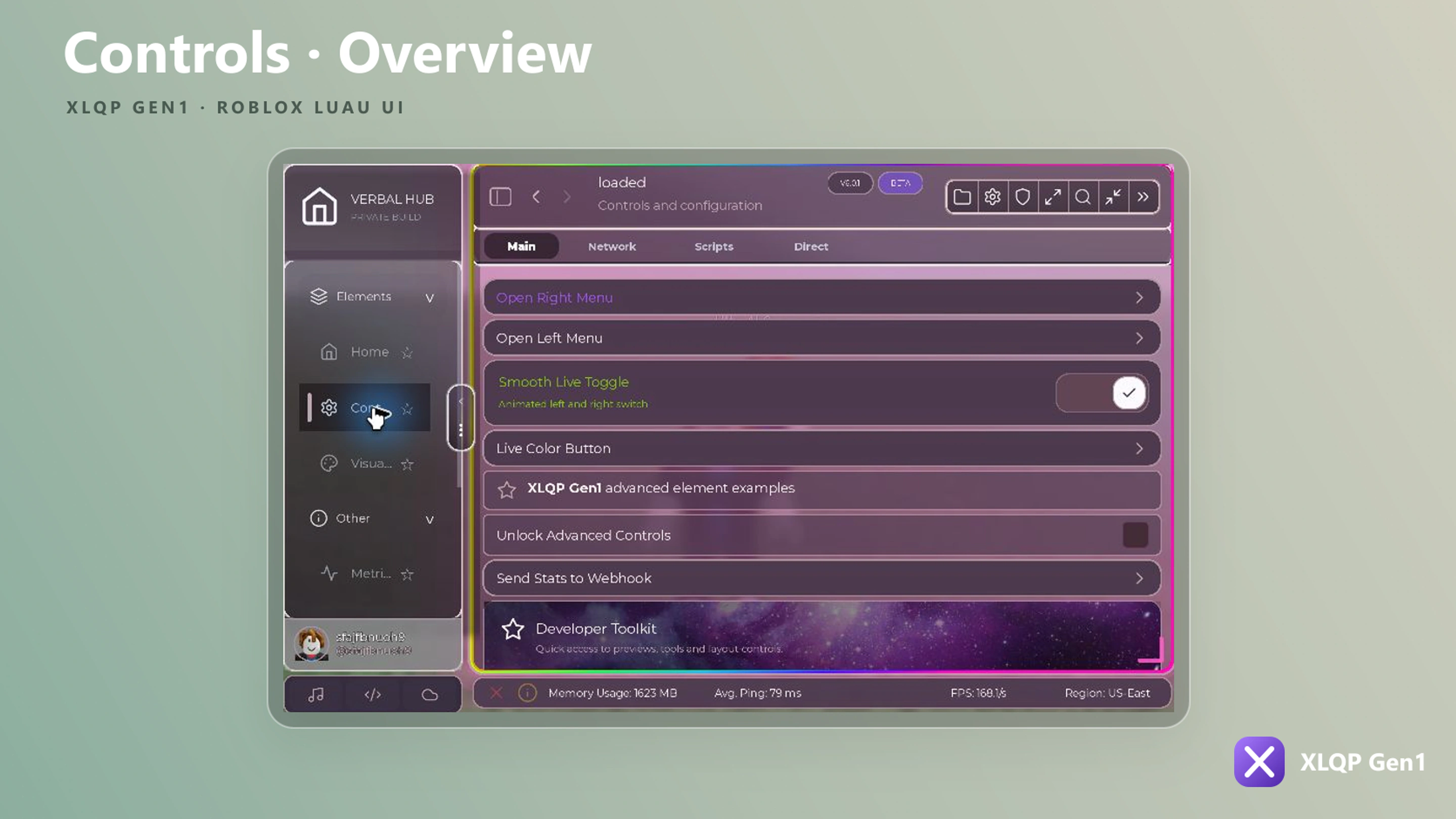
When to use it
Use it to start a distinct feature page before adding sections and elements.
TabFunction:MakeTab(TabConfig)
local Home = Window:MakeTab({
    Name = "Home",
    Icon = "home",
    Group = "Elements",
    GroupIcon = "layers",
    AutoHome = true,
    FeedbackWebhook = "",
    DiscordInvite = "https://discord.gg/QEW8ap3MuV",
    Changelog = {
        "Added native Home Discord tab.",
        "Added native Home Changelog tab.",
        "Added premium locked element badges."
    }
})
Behavior and return value
Store the returned controller or object when later code needs to update its state, call its methods, or close it.
Fields marked optional may be omitted. XLQP then uses the method’s built-in default or leaves that feature disabled.